Discord Translate Integration: Set Up Cross-Language Communication for Your Server
How Discord translate integration works: API-based translation, webhooks, real-time message processing and language detection, and how Interaction Bot does it all with no code.
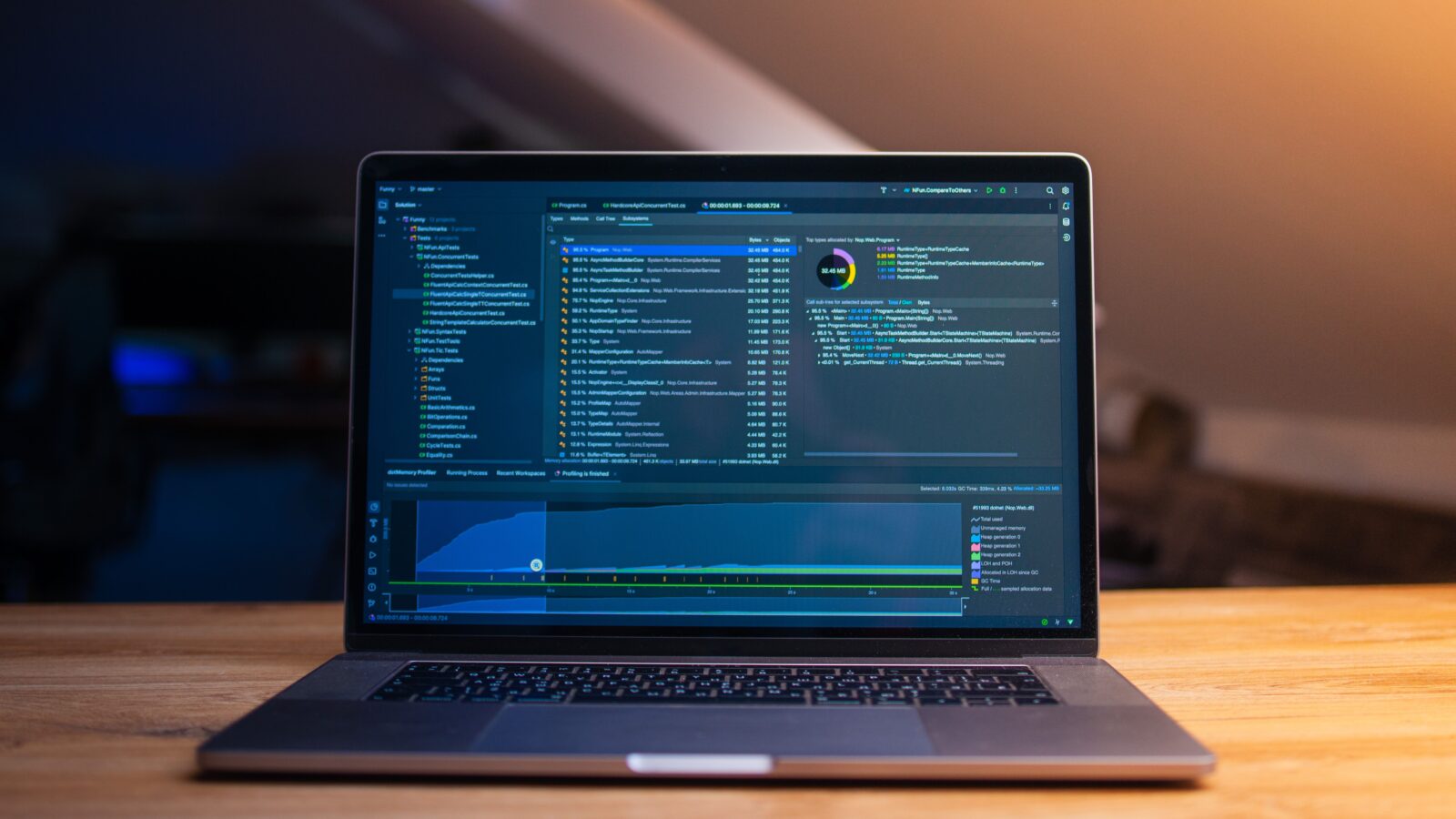
Discord translate integration means connecting a translation service to your server so incoming messages are detected and translated automatically, with nobody typing a command. There are two ways to get there. You can build it yourself by wiring Discord’s API to a translation API such as DeepL or Google Cloud, or you can use a no-code bot like Interaction Bot, which runs the whole detect-translate-post pipeline from its dashboard. This guide covers the parts a self-built integration is made of, then shows how Interaction Bot handles the entire flow for you.
What “Discord translate integration” actually means
An integration is a bridge between two systems. On the Discord side that bridge listens for real-time server events; on the translation side it turns a message’s text into another language; and something has to push the result back into the channel. A successful integration has three moving parts working together:
| Part | What it does | Typical technology |
|---|---|---|
| Event intake | Receives a notification that a member posted a message | Discord Gateway (WebSocket) |
| Translation engine | Detects the source language and converts the text | DeepL, Google Cloud Translation, Microsoft Translator |
| Output | Posts the translated text back to the channel | A bot message or a webhook |
None of this happens inside Discord itself. As our walkthrough of how automatic translation bots work on Discord explains, Discord carries the messages but the bot connects to a separate translation engine and sends the text there. The rest of this article goes through each stage in the order your own integration would touch it.
API-based translation: the call that does the work
The heart of any integration is an HTTP request from your bot’s server to a translation service. The DeepL text translation endpoint is a clean example: a POST to https://api.deepl.com/v2/translate (the free tier uses https://api-free.deepl.com) with a text field and a required target_lang. If you leave source_lang out, DeepL’s documentation states that the API will attempt to detect the language of the text and translate it, and the response then includes the field detected_source_language alongside the translation. That single behaviour is why many bot integrations skip separate detection and let the engine infer the source for them.
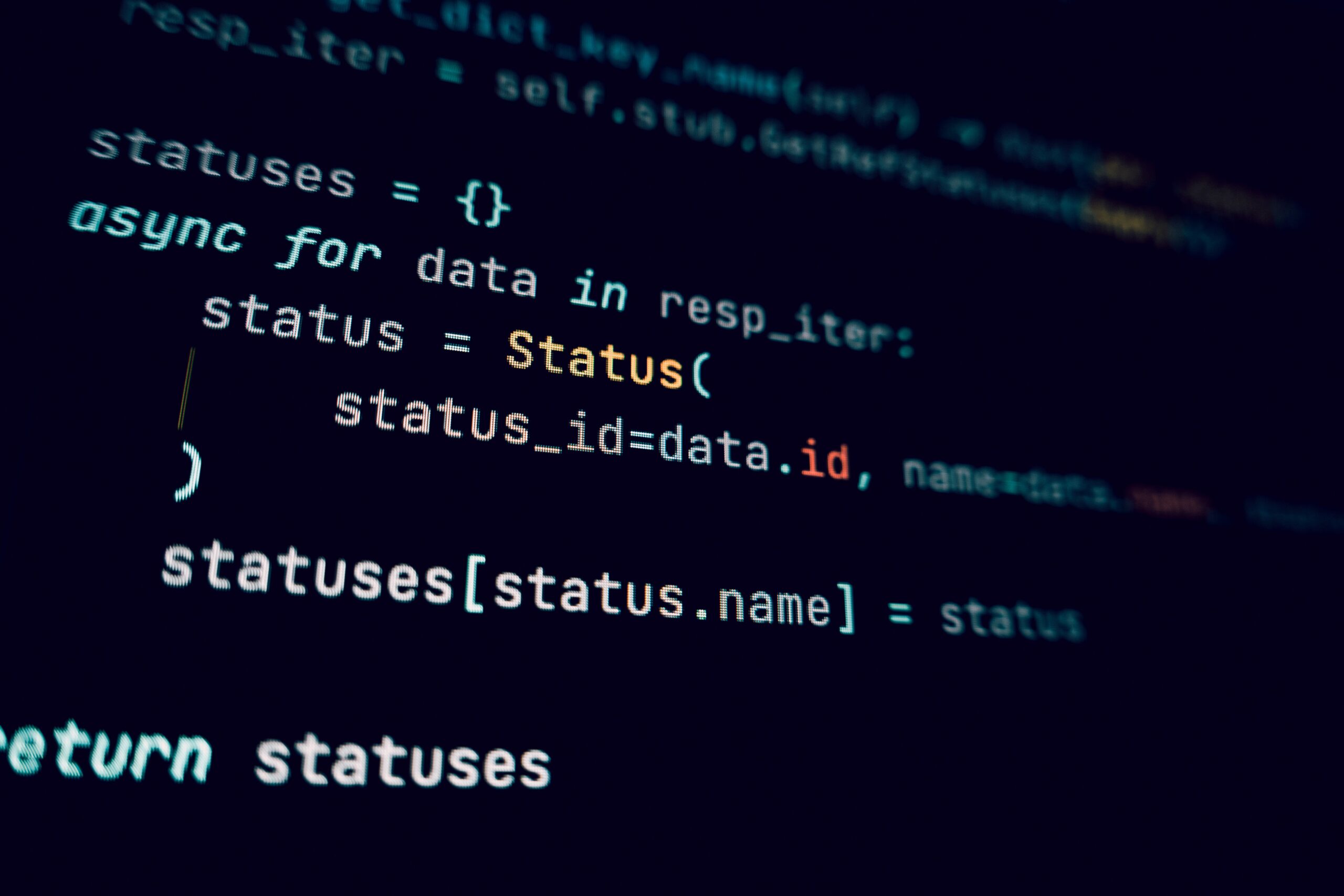
Calls like this are what your code would loop over for every message. Each request costs characters on paid plans (DeepL returns a billed_characters value so you can count them), so a busy multilingual server can rack up volume quickly. That is one reason integrations that process every live message are usually built to skip the engine when the source language already matches the channel’s target.
Webhook integration: pushing the result back onto Discord
Once you have translated text, you still have to post it into the channel. Discord’s webhook resource is the low-friction option: the documentation describes webhooks as a low-effort way to post messages to channels, notes that they do not require a bot user or authentication to use, and exposes an Execute Webhook endpoint that sends the message with the webhook’s token. An incoming webhook lets your service push a translated post from anywhere, which is convenient for short-lived or event-driven jobs.
Some bots instead reply as their own bot user. The choice of webhook versus bot message is purely display; as covered in the automatic-translation deep dive, it does not change the detection-and-translation pipeline underneath. Webhooks are especially common when the translation runs on an external service that only needs to message the channel rather than behave like a full member.
Real-time message processing: the event pipeline
For translation to feel “automatic”, your integration has to react the moment a message lands. Discord’s Gateway API is the real-time channel for that: apps hold a persistent WebSocket connection and receive dispatch events for activity in a server. Reading Discord’s Gateway documentation, two practical details matter for anyone building this:
- Intents are declarations. Most events are only sent after your app defines the relevant intents when it identifies. Access to message contents is treated as sensitive, which is why a self-built translator has to request and be approved for the privileged message-content intent.
- Payloads are size-limited. Gateway event payloads your app sends must not exceed 4096 bytes, and the connection needs heartbeats plus a resume flow to survive the occasional disconnect. That is real infrastructure to maintain, not a five-minute setup.
The language detection stage sits between intake and translation. Google Cloud’s detect-language endpoint returns a languageCode and a confidence value from 0 to 1, where 1 means 100% certain. A robust integration reads that confidence and decides when to translate, when to let the engine infer the source, and when to skip an ambiguous one-word or mention-heavy message entirely.
Build it yourself, or use a no-code integration
You can now see everything a from-scratch integration demands: a hosted service, Gateway connections with heartbeats and resume logic, an approved privileged intent, translation API keys and billing, rate-limit handling, and guards so the bot does not translate its own replies and loop forever.
| Self-built integration | Interaction Bot | |
|---|---|---|
| Code | Write and host an app | None |
| Message-content intent | Request and get approval | Handled for you |
| Translation provider & keys | You set up and pay | Managed |
| Language detection | You wire the API | Automatic |
| Channel/role/category rules | You build the config UI | Dashboard controls |
| Posting results | You implement | Handled automatically |
Interaction Bot is the integration that does the whole flow for you. After authorizing it through Discord’s OAuth screen and picking your server, you open the Translation page in its dashboard and add rules: the source and target languages per channel, flag-based translation, role restrictions, and whole-category translation, as detailed in our Discord translator bot setup guide. There is no code, no API key, no Gateway to keep alive. The bot listens, detects, translates, and posts, and you manage everything from the dashboard.
For a fast look at the invite-and-setup side of adding a translator bot to a server, OhwRayT’s short walkthrough, “Discord | How To Set Up Translator Bot (2025)”, shows the click-through in under two minutes:
Which path should your server take?
Choose the from-scratch route if you want full control and are prepared to run and monitor a small application with its own authentication, billing, and uptime. Choose a no-code integration if what you actually want is cross-language communication working once you finish configuring it. For most communities, the second option costs a fraction of the effort and gets the same result: a server where a member in Tokyo and a member in Madrid can read the same conversation.
Interaction Bot is built around exactly this workflow, and it connects naturally to the wider idea of integrating your services together rather than wiring them by hand, the same principle tools like SEOEdgeAI’s integration platform apply to connecting systems with minimal setup. If you are still weighing options, our guide to how automatic translation bots work on Discord explains the underlying mechanics in more depth so you can decide what level of control you really need.
The short answer: Discord translate integration is API-based translation plus webhook or bot posting, driven by real-time Gateway events and language detection. You can assemble those parts yourself, or let Interaction Bot run the entire pipeline automatically through its dashboard with no coding at all.
Published by interaction-bot.com.
Visit interaction-bot.comMade with AI.