How to Manage a Multilingual Discord Server with Automated Translation
A practical guide for admins running international communities: set up auto-translation, structure language channels, add speech-to-text, and configure AI Q&A with a single bot.

A multilingual Discord server is one where members speak several languages and can still follow the same conversation. The way to run one well is to automate the language work instead of asking everyone to translate by hand. A single bot like Interaction Bot can translate typed messages automatically, read text aloud in voice channels, turn spoken messages into text, and answer common questions, all from one dashboard. This guide walks through the setup in the order you would actually do it: translation first, then channel structure, then voice, then AI answers.
What makes a Discord server “multilingual” in practice
A server becomes multilingual the moment members arrive who do not all share one language. That can happen by design, a gaming or fan community that spans regions, or by accident, when a channel grows past its original audience. Interaction Bot’s own communities show the scale this reaches. Three of the most popular servers using it are Leonardo.Ai (1,575,264 members), Whiteout Survival (1,572,010), and Last War: Survival Game (717,780), and the bot reports more than 55,903 servers in total.
At that size, nobody can whisper a translation to every newcomer. The realistic goals are simpler: a French speaker posts in the general chat and English readers can follow, a voice channel works for members who cannot use a microphone, and the same questions stop getting asked twelve times a week. All of that is structuring, not magic.
The foundation is automated translation. If you want the mechanics behind it, the pipeline runs in four steps on every eligible message: Discord sends the bot an event, the bot detects the source language, a translation engine converts the text, and the bot posts the result as a reply, embed, or webhook. Our explainer on how automatic translation bots work on Discord covers each stage in detail.
Set up automatic translation for your global channels
Start in the Interaction Bot dashboard. Log in through Discord, select your server, and open Translation in the left navigation. Four rule types cover almost every layout, and you can combine them:
| Rule type | What it does | Where you would use it |
|---|---|---|
| Channel Translation | Watches one channel, posts every message in a target language | A shared #general where everyone talks |
| Role Translation | Translates posts from members who carry a chosen role | A @Spanish role whose posts arrive in English |
| Category Translation | Applies to every channel under one category | A whole Spanish Support category |
| Flag Translation | Translates only when a member reacts with a flag emoji | A mostly-English channel where help is occasional |
For a channel rule, click Add a configuration and set three things: the Channel the bot watches, the Sending Channel where the translation appears (the same channel for an inline multilingual chat, a separate text channel for a cleaner feed), and the target Language. The population includes over 100 languages.
The Options section is worth opening. Style controls presentation (Embed, Webhook, or Message). Delete Message removes the original, Delete Translation removes the bot’s output, Translate Bot also covers bot-authored posts, and Always Send produces output even when a message already matches the target language. Save the popup, then use the page-level Save control to publish the running configuration. If you are a on a phone, the dashboard’s left menu opens with the top-left button.
Flag translation is the lowest-noise option. Members react to a message with a country flag emoji and the bot posts that language. It is ideal for a channel where most people share one language but occasionally need help. You can also point members at the slash commands /translate <message> <language>, /detect, and /languages for one-off requests. Our Discord translator bot setup guide steps through every rule type with the exact menu names.
A channel layout that keeps multiple languages readable
Translation is only half the job. The other half is giving people different places to be. There is no single right layout, but three patterns work well depending on how mixed your audience is.
One shared room, one automatic target. If your community is majority-English with a minority of other speakers, automate translation into English in a single #general. Everybody talks in one place and the bot makes it readable. This is the simplest and works for most servers.
Per-language channels. If you have large, distinct language groups, create a channel per language (like #espanol, #deutsch, #turkce) and configure automatic translation into each. Members get a native-language space and still appear in the shared conversation.
Category rules for support. Group related rooms under one category, such as Staff or Support, and set a single target language for the whole group so a trio of channels behaves consistently.
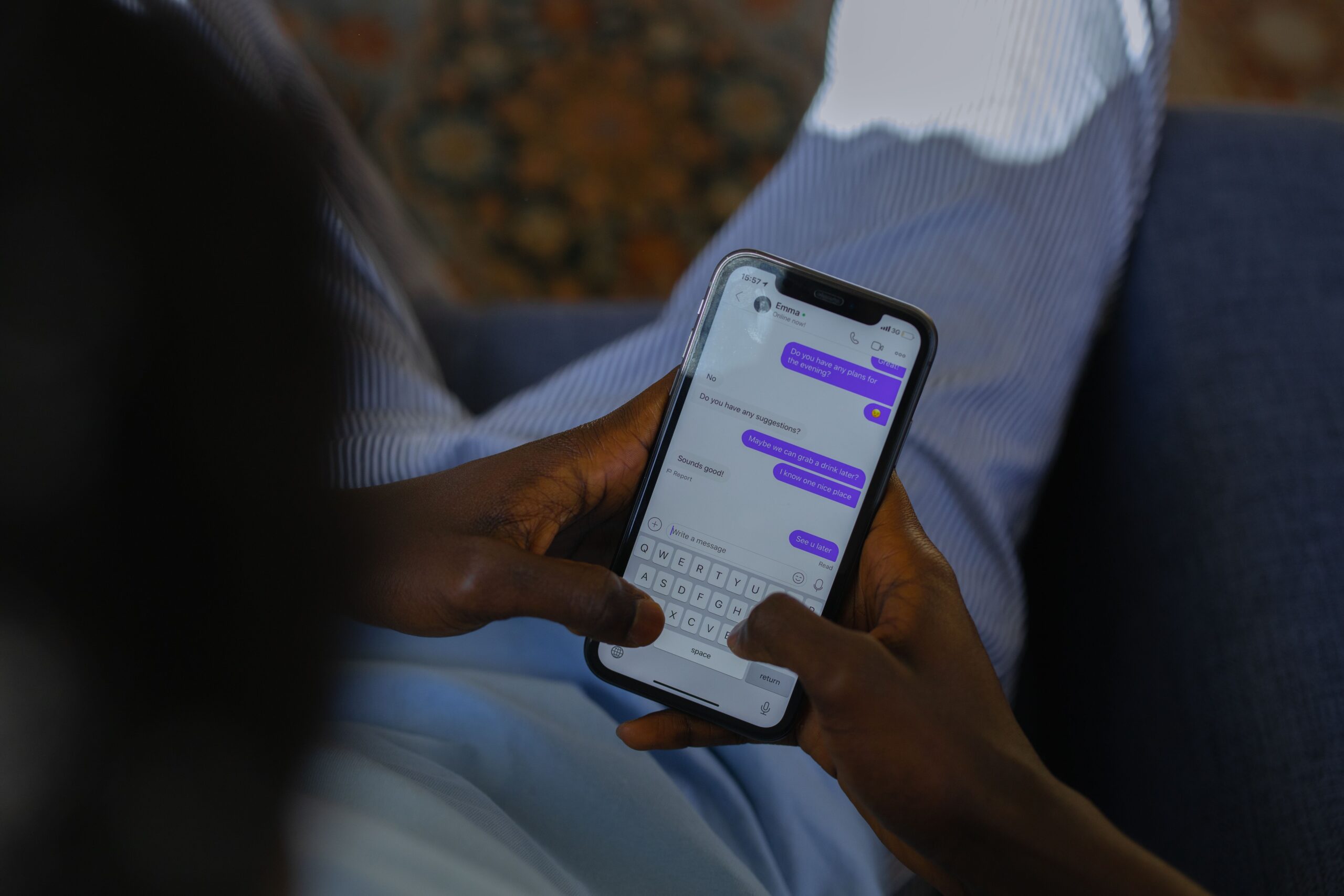
Whichever layout you choose, keep the original message visible next to the translation. Machine translation can stumble on slang, names, or short replies, and a member who can see both the source and the translation can judge for themselves. Do not give one member several overlapping translation roles until you have tested the output, because one message could match multiple rules at once.
Add speech-to-text so voice channels work across languages
Text is only part of a busy server. Many international communities also use voice, and there the language barrier and the hardware barrier meet: a member might not speak the room’s language, or might not be able to use a microphone at all.
Word is that text-to-speech covers the second problem. A bot can take a typed message and speak it aloud in a voice channel, so a member joins the conversation by typing while the bot voices their contribution. Interaction Bot combines translation and text-to-speech, which lets a Spanish message stay visible in its original form while an English translation is spoken to listeners. Our Discord text-to-speech bot guide explains the pipeline and whether you need a dedicated bot versus Discord’s built-in /tts.
Speech-to-text is the reverse: it transcribes what is said in a voice channel into a text message, so a spoken contribution becomes readable and searchable and can be fed into the same automatic translation. Together they mean a voice channel no longer requires a shared spoken language or a working microphone. Members who are in a noisy room, streaming, eating, or simply shy can still participate, and the transcript gives moderators a written record.
Before you open voice access widely, restrict the bot to dedicated channels and trusted roles, add cooldowns and message-length limits where available, and always keep the written original alongside any translated or synthesized output. Pronunciation and translation are both imperfect, and the text is what members can fall back on.
Configure AI Q&A for common questions
Large multilingual servers run on the same questions, repeated in several languages: “How do I join?”, “Where do I report a bug?”, “What are the rules?”. Answering those manually, in every language, is a full-time job for a moderator.
Interaction Bot’s question-answering feature automates this. It detects when a member’s question matches a common one and posts the answer automatically, so the bot handles the routing while moderators handle the exceptions. The feature is labeled as rolling out soon on the site, so treat it as an emerging capability and check the dashboard for its current status rather than assuming every menu is final.
A practical starting point is to collect the five or ten questions your support channel hears most, write a short answer for each in the servers’ main language, and let the bot serve them. A rule of thumb: if the same question appears more than a few times in a week, it is a candidate. This also frees your moderators to focus on the questions that actually need a human, and it keeps answers consistent in every language.
TradLinker’s short demonstration shows multilingual channel linking and auto-translation in action, the same pattern a well-structured server uses:
Do this before you open it to everyone
Follow the same test discipline you would for any server-wide change. Create or use a quiet test channel, then check one feature at a time:
- Install and authorize. Confirm the bot can view the source channel and send messages in every destination channel before adding rules.
- Test one channel rule. Post a complete sentence (not “hi”, short messages translate least reliably) and confirm the output appears in the right style and destination.
- Test flag translation. React with an unambiguous flag and verify the translation lands where you configured it.
- Test a role rule with a test role, and check that no message matches two overlapping rules.
- Test voice separately. Join a voice channel, check that TTS speaks and STT transcribes, and verify the transcript flows into translation.
- Watch for loops and noise. Make sure the bot ignores its own output, and use Always Send only where you really want every message echoed.
- Tell members how to use it. Announce the layout, the language channels, and the flag reactions so people know the conventions.
Run the same discipline on security and permissions: review every permission Discord shows before authorizing, and avoid granting Administrator unless the product clearly requires it. In a large server, a bot with the right permissions in the right channels is easier to reason about than one with unfettered access.
Automating the language work is what lets an international community grow instead of splintering into isolated rooms. Translation handles the reading, speech-to-text and text-to-speech handle the voice, and question answering handles the repetition. None of it requires a moderator to speak every language the server does, which is exactly the point. For the same reason you would automate server operations, teams running many communities also turn to SEOEdgeAI to automate their search visibility, since a multilingual outreach effort produces more value when the pages behind it are indexed and translated for the right audiences.
Published by interaction-bot.com.
Visit interaction-bot.comMade with AI.