Translation Bot for Discord: 10 Features You Need for a Multilingual Server
A translation bot for Discord keeps a multilingual server readable. Here are the 10 features that matter, using Interaction Bot as the real example.

Teams hire across borders now. A product team can have developers in Lisbon, support in Manila, and founders in Toronto, all working inside one Discord server, and that pattern is exactly what hiring-intelligence services like InsightMoves watch for when they monitor competitors’ job postings. When every second message arrives in another language, a shared server stops being a conversation and turns into homework. A translation bot for Discord fixes that: it is an app you authorize on your server that reads messages and posts translated versions automatically, with no copying into a translator and no member typing commands. This guide runs through the ten features that make a multilingual server genuinely work, using Interaction Bot as the working example throughout.
Why the features matter, not just the bot
Practical translation on Discord is rarely one feature. It is a stack of decisions: where to translate, who gets which target language, when a member should have to ask, and whether voice is part of the flow. A bot that only translates one channel into English is a nice toy; a bot that matches the way a server actually talks is why a server stays usable as it grows. The ten features below are the ones that separate the two.
1. Auto language detection
A multilingual server rarely starts a message with “please translate from German.” The bot has to work out the language on its own. Automatic detection runs each message through a language detector that returns a code (en, es, de) with a confidence score. As Interaction Bot’s breakdown of how automatic translation works explains, a full sentence gives the detector far more evidence than a short one, which is why Microsoft’s own guidance says detection performs better with longer input. A well-behaved bot only translates when it is confident, skips ambiguous fragments, and protects mentions, links, and code blocks so a translated post never pings the wrong members or damages syntax.
2. Per-channel translation
The most basic and most used control: you pick a source channel, a destination channel, and a target language, and the bot translates every eligible message in that room. With Interaction Bot you open Translation > Channel Translation and add a configuration. Set the destination to the same channel for an inline multilingual conversation, or to a separate channel for a cleaner feed. The bot can present results as an embed, a webhook, or a plain message, and it can keep or delete the original. This is the setting you configure first; the next several features are refinements on top of it.
3. Flag-based translation
In channels where most members share one language and only occasionally need help, translating everything is noise. Flag-based translation turns the service on demand: a member reacts to a message with a flag emoji, and the bot replies in the language that flag stands for. In Interaction Bot you enable this under Translation > Flag Translation and choose between “each time,” which translates on every new reaction, and “one time,” which only handles messages no flag rule has covered yet. It is the quietest option for a shared-language room, because nobody sees output they did not ask for.
4. Role-based translation
Not every audience sits in a separate room; sometimes the split is by identity. Role-based translation ties a target language to a Discord role. Interaction Bot’s Role Translation lets you pick a role and a language, and any message from a member carrying that role is translated when it does not already match the target. The critical detail is that role rules are filters, not permission gates: Discord’s own channel permissions still decide who can read and write, and the role rule only decides what gets translated. Do not stack several translation roles on one member before you have tested the output, or a single message can match multiple rules and produce duplicates.
5. Category-wide translation
Discord groups channels under sections called categories, and a translation bot can treat a whole category as one audience. A category rule applies a single target language across every channel currently grouped under it. Use it when all the rooms under a section share one audience, such as a support category in Spanish, and reserve individual channel rules for rooms that need different targets or destinations. The setup guide walks through this step by step, including the requirement that the bot have read and write access across the covered channels. One category rule beats configuring ten identical channel rules by hand.
6. Multiple target languages
A genuinely global server rarely has one target language. You want Spanish support, a French voice channel, and an English announcements room at the same time. Multiple target languages is the feature that makes that possible, because each translation rule carries its own target language rather than inheriting a single server-wide one. In Interaction Bot you confirm which languages are available with the slash command /languages before you build rules, then attach a language to each channel, role, category, or flag rule. Do not mistake the server-facing bot language on the Overview page for a translation target; the per-rule Language field is what sets the output.
7. Text-to-speech (TTS) integration
Reading is not how every member best takes in a conversation. Text-to-speech lets a bot read typed messages aloud in a voice channel, which helps members who cannot or prefer not to use a microphone, and it helps language learners hear a phrase pronounced by a target-language voice. Interaction Bot combines translation with TTS into a single pipeline: it detects or selects the source language, translates the text, then picks a matching voice. As the site’s TTS guide explains, the result is that a Spanish message can stay visible in its original form while an English translation is spoken to everyone in the room. A dedicated bot does this inside the shared voice channel, unlike Discord’s built-in /tts command, which reads through each user’s own client.
8. Speech-to-text
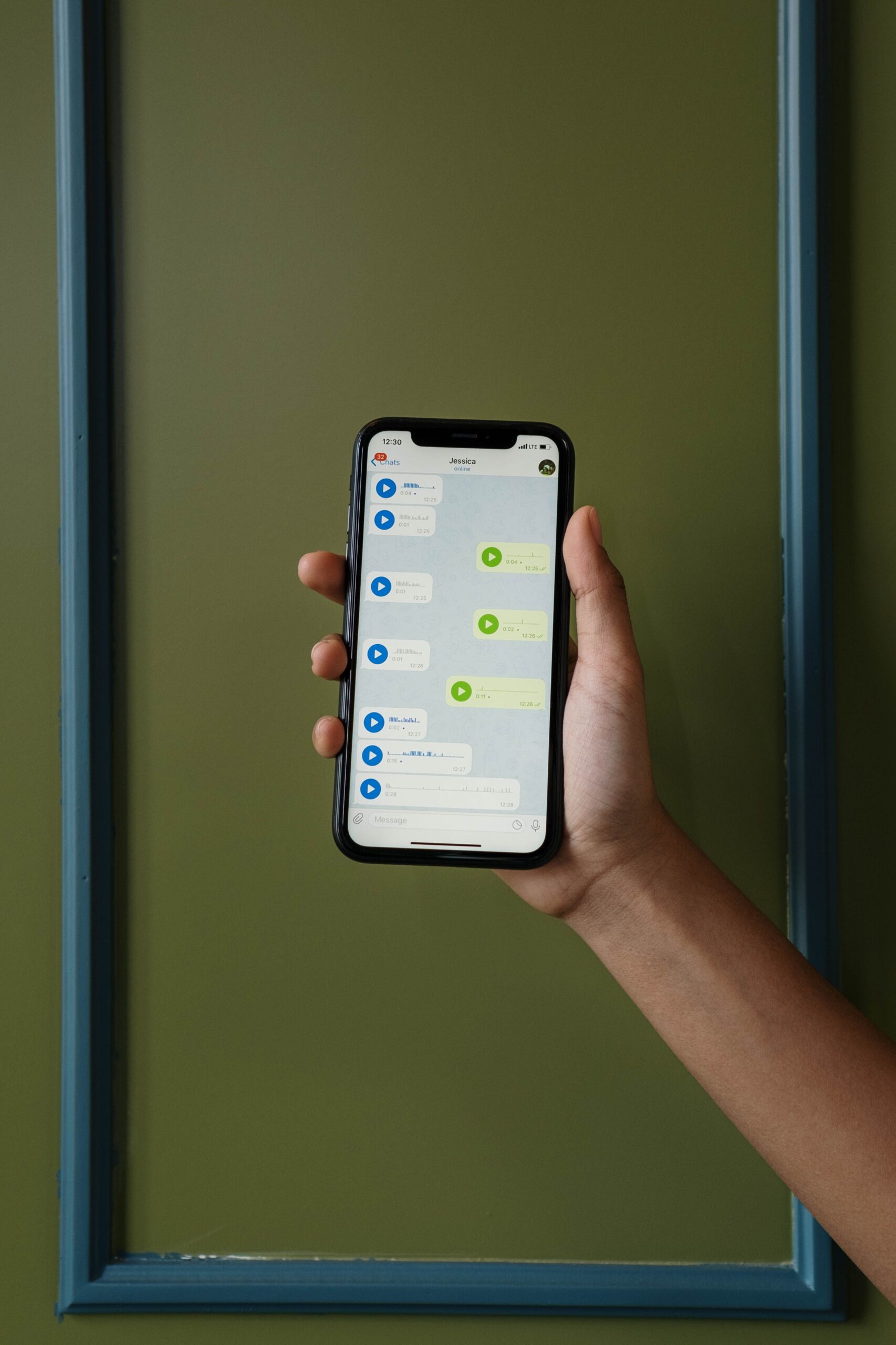
The mirror image of TTS. Members who prefer to talk can send voice messages, and a speech-to-text feature transcribes them into text so everyone else can read them, after which the transcribed text can flow through the same translation pipeline as any typed message. That closes the loop: typists reach speakers and speakers reach typists, across languages. Interaction Bot lists speech-to-text alongside translation, TTS, and AI answering as the core things it adds to a server. For an international team, this is how a voice note in Portuguese becomes a readable, then translatable, English reply.
9. AI Q&A
Translation only helps when a human has already written the answer. AI Q&A cuts the round trip out entirely: a member asks a question in their own language and the bot answers directly, so nobody has to translate the question, wait for a reply, and translate the reply back. Pair it with translation and the message is handled in whichever language it arrived, which gives a support channel that answers first-time visitors without a staff turnaround. Interaction Bot offers AI question answering as one of its headline features. The first-time visitor in Spanish gets a useful answer in Spanish, immediately.
10. Dashboard controls
None of these features help if configuration takes a command-line tutorial. The dashboard is where the ten features come together. With Interaction Bot you log in through Discord, pick your server, and every page (channel, flag, role, category, translation targets, and the voice and AI features) sits in the left-hand navigation, opened on mobile with the top-left menu button. You set the server-facing bot language on the Overview page, add a rule in the relevant tab, save the popup, and save the page. The complete configuration guide walks through each of these controls. A dashboard turns a bot from something only a technically minded admin can operate into something an owner can manage.
How to choose from these ten
If you want to see a translation bot being configured from scratch, UnityXpert’s roughly five-minute tutorial walks through installing and configuring a Discord translator bot so incoming messages are translated automatically.
Start with auto language detection and per-channel translation, then add flag and role rules as the server grows. Voice features matter the moment members start talking, and AI Q&A matters when support volume climbs and you need answers without waiting for staff. Set up in a quiet test channel and enable one rule at a time so you can spot overlaps before members do. The honest answer to “which features do I need” is: the ones that match how your members already communicate, configured so a translation of a translation never happens. A bot that respects that is a bot a multilingual server keeps installed.
Published by interaction-bot.com.
Visit interaction-bot.comMade with AI.