Translate Discord messages in DMs and servers with a user app
A friend writes in a language you don't read, or the server you're in has no translator bot. Add Interaction Bot to your own Discord account as a user app: a right-click translates any message in your DMs, group chats and servers.
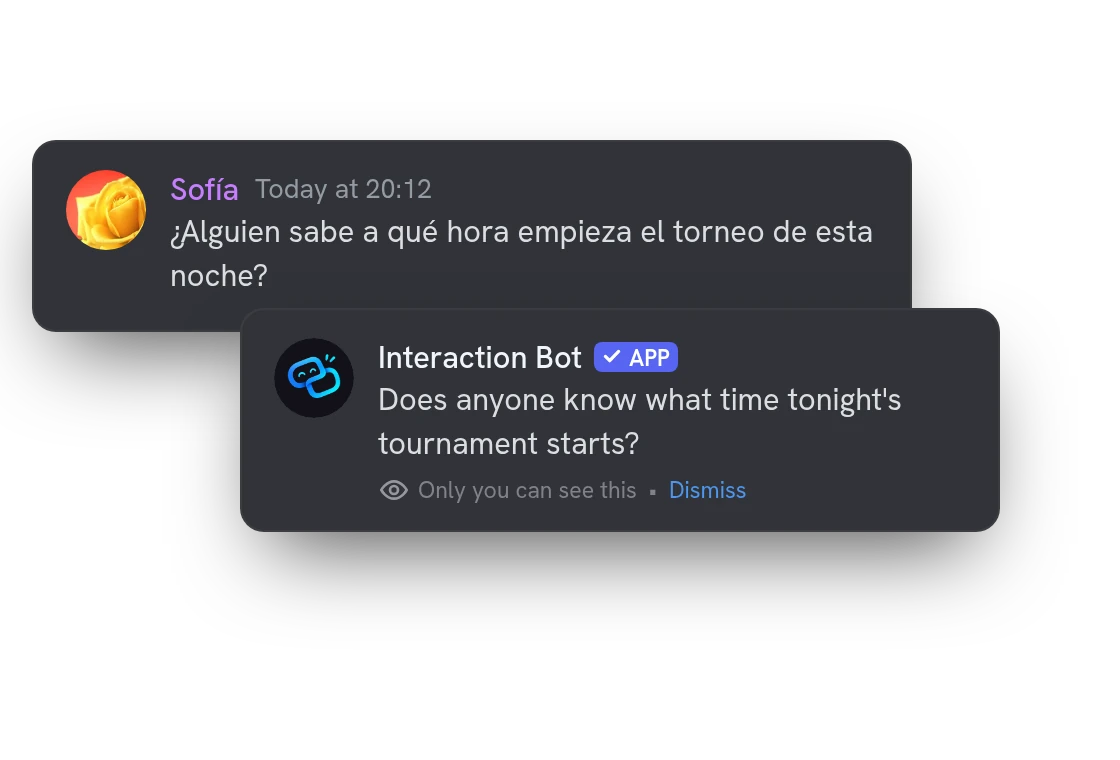
Right-click to translate any Discord message
Open the menu of a message, choose Apps, then Translate (press and hold on mobile). Only you see the result. Not sure what language it is? Choose Detect instead.
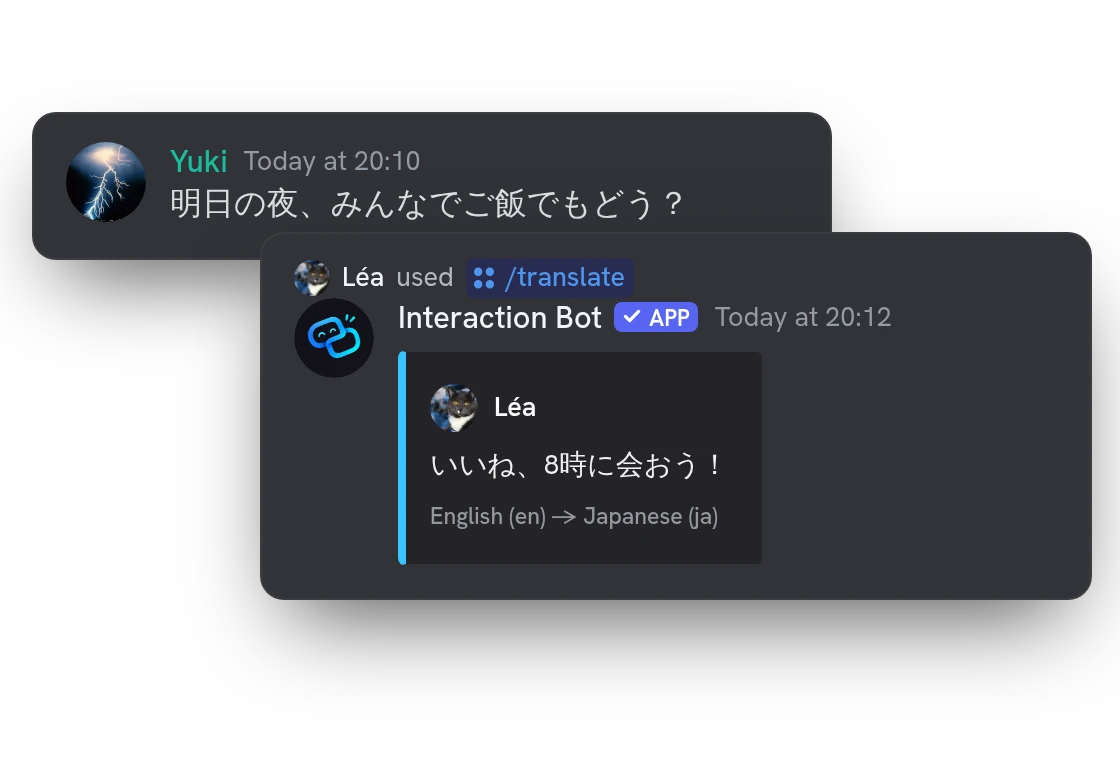
Reply in their language with /translate
Type /translate, your text and a language. The bot posts the translation with your name and avatar, so everyone in the chat can read it.
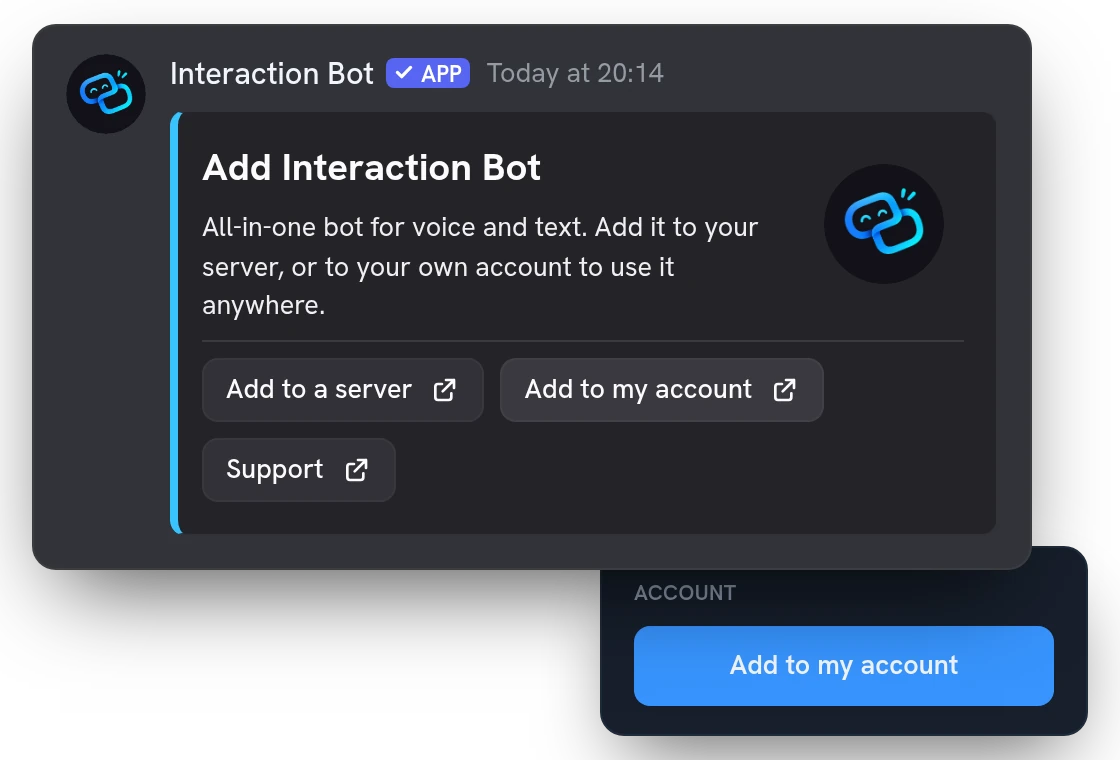
Add the translator to your account, not a server
A user app belongs to your account. Click Add to my account on the Account page of the website, or in the /invite card. The bot joins no server and no admin has to approve it. Remove it any time in your Discord app settings.
All features
Detect the language of any message
Choose Apps, then Detect on a message, or run /detect on a text, to see which language it is written in.
Set your language once
Pick the language you read in with /personal-language or on the Account page. Otherwise the app uses your Discord language.
Pick a language by name or code
Type French or fr in /translate and suggestions appear as you type. /languages lists everything the app can translate.
Pictures and files come along
The attachments of the message are copied into your private translation, so you see the whole message.
Cards and buttons translated too
With Premium, the embeds and buttons of a message are translated as well, not only its text.
Messages written by other bots
With Premium, the app also translates messages posted by bots, which a free account cannot.
Your Premium follows you
Your own Premium works everywhere you use the app. In a server that has the bot, that server's Premium counts too.
No character quota to run out
There is no character allowance to refill and no vote needed to keep translating.
See what the bot keeps with /privacy
A private message lists what the bot stores about you, lets you export or delete it, and links to the page to opt out.
Authors who opted out are respected
If the author of a message refused processing, the app will not translate or detect it and tells you why.
Questions about User app
Is the Discord translator user app free?
Yes. Premium is optional: with your own subscription, or in a Premium server that has the bot, the app also translates messages written by other bots and uses the best translation model. /translate can be used once every 5 seconds.
Which languages can the user app translate Discord messages into?
100 languages: run /languages to list them. By default the app uses your Discord language. Change it with Language of my translations on your Account page, or with /personal-language.
What does the Discord user app read?
Only the message you right-click or the text you type. It never reads the other messages of a channel and never answers on its own. If the author of a message opted out of processing, it refuses to translate it and tells you.
Can it translate a whole Discord channel automatically?
No, it only translates what you ask. Automatic translation, flag reactions, translation groups and the voice features need the bot added to the server by an administrator.
How do I translate messages in Discord DMs and group chats?
Add Interaction Bot to your account from the Account page of the website or the /invite card. Then right-click a message, choose Apps, then Translate (press and hold on mobile). It works in DMs, group chats and servers, even where the bot isn't added.
You might also like
Flag translation
Translate any message with a flag reaction, or let the bot add 1 to 5 flags under every message of a channel. No setup needed.
AI setup assistant
Tell the AI what you want in plain words: it reads your settings, shows a plan and changes nothing until you confirm, in a channel with /ai setup or in the dashboard.
Invite tracker
See who brought each new member, rank your inviters, flag fake accounts and name your invite links, with a role for each if you want.

Try it on your server
Add Interaction Bot in one click and set it up from the dashboard.
 Add to discord